Navigate this How-To Guide
RAPTOR Body Filler is a lightweight body filler designed for medium-depth repairs, tough, easy to apply, and easy to sand. Designed to be quick to dry and for superior adhesion, RAPTOR Body Filler allows for quick, professional quality repairs, ready for priming and painting. Its non-sag formulation applies easily, sands effortlessly, and resists shrinkage for tough, long-lasting repairs.
Be sure to check out our How-To Guides on cleaning and sanding surfaces and ensure you are wearing the appropriate PPE before taking on any project. Take the time to read the RAPTOR Body Filler Technical Data Sheet prior to application, and feel free to reach out to our team should you have any questions!
Where Can RAPTOR Body Filler be Used?
RAPTOR Body Filler is ideal for:
- Repairing dents, dings, and minor panel damage
- Filling scratches and surface imperfections
- Quick and easy touch ups and repairs
- Skimming and levelling surfaces prior to coating
Its lightweight, easy-to-sand formula spreads smoothly and delivers a clean, easy to apply finish, making it the perfect solution for everyday body repairs where strength, flexibility, and a professional finish are essential.
Step 1 – Prepare Your Surface
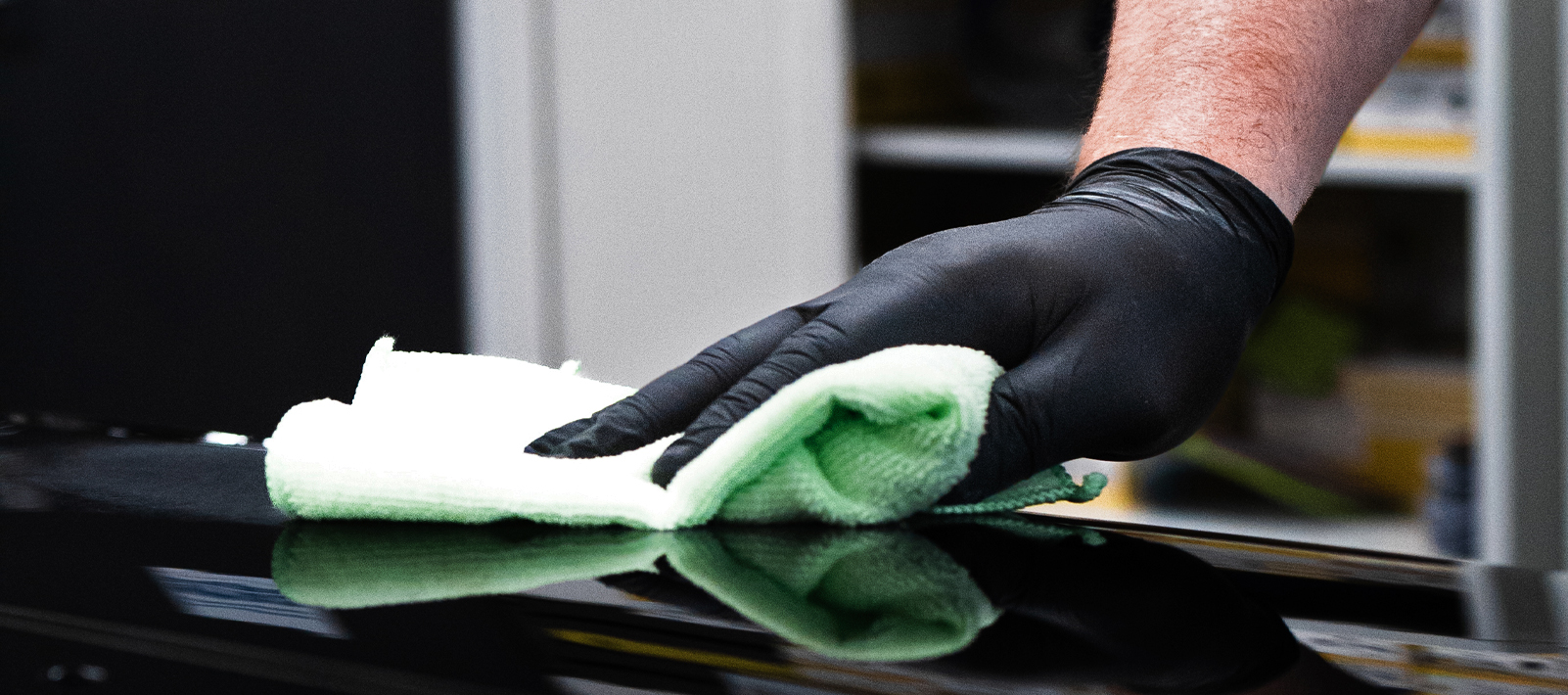
For a complete run down on preparing your surface ready for filler, check out our guides on How-To Clean a Surface and How-To Sand a Surface. Here’s a quick rundown on the necessary steps before application:
- Clean and degrease the repair area
- Remove rust, loose coatings and surfaces, or unstable materials
- Sand the repair area (read the TDS for the correct grit for each substrate)
- Re-clean the surface to remove any sanding residue and contaminants
Step 2 – Mixing RAPTOR Body Filler
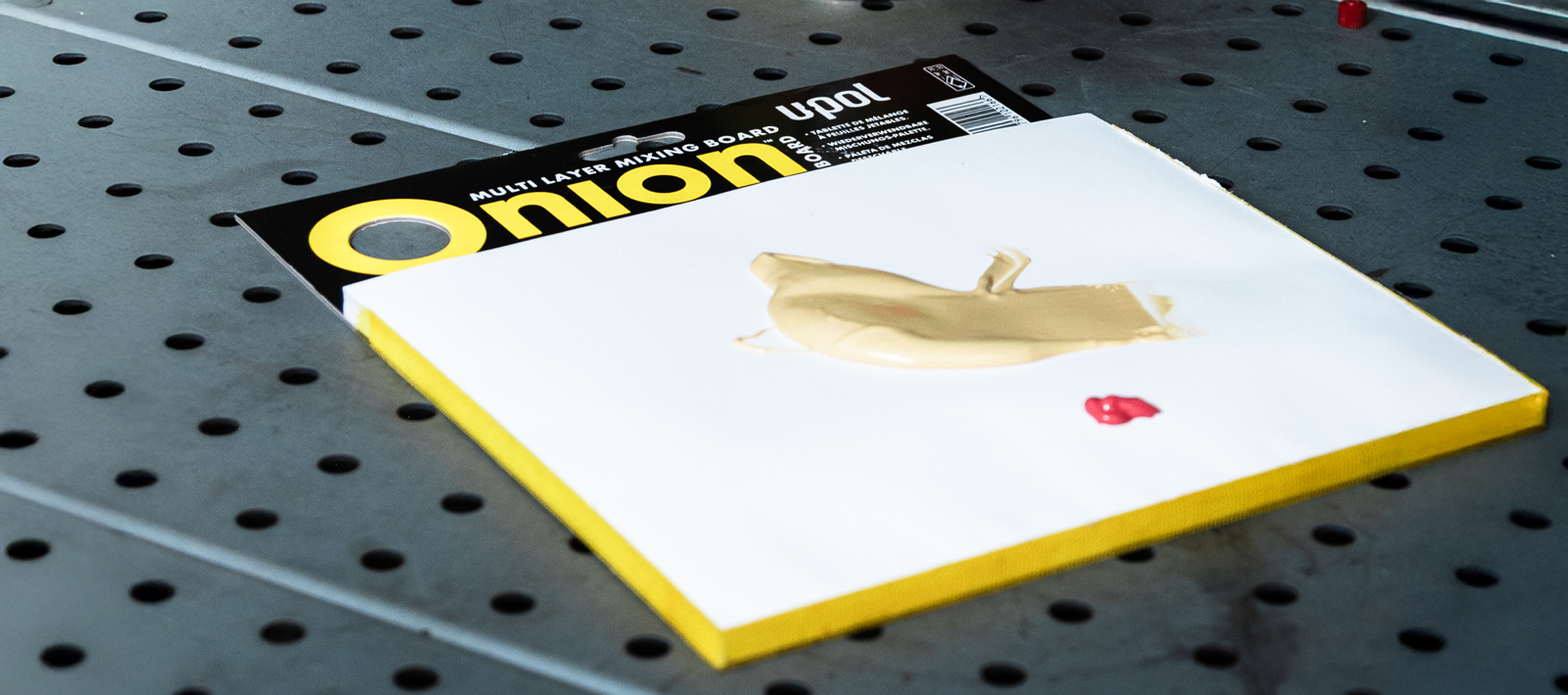
The first step is to find a suitable mixing surface, DO NOT mix on cardboard as it will absorb the solvents and resins from the filler. We suggest mixing on a non-porous mixing surface such as a stainless-steel board, wax paper, or ideally or ideally a U-POL Onion Board.
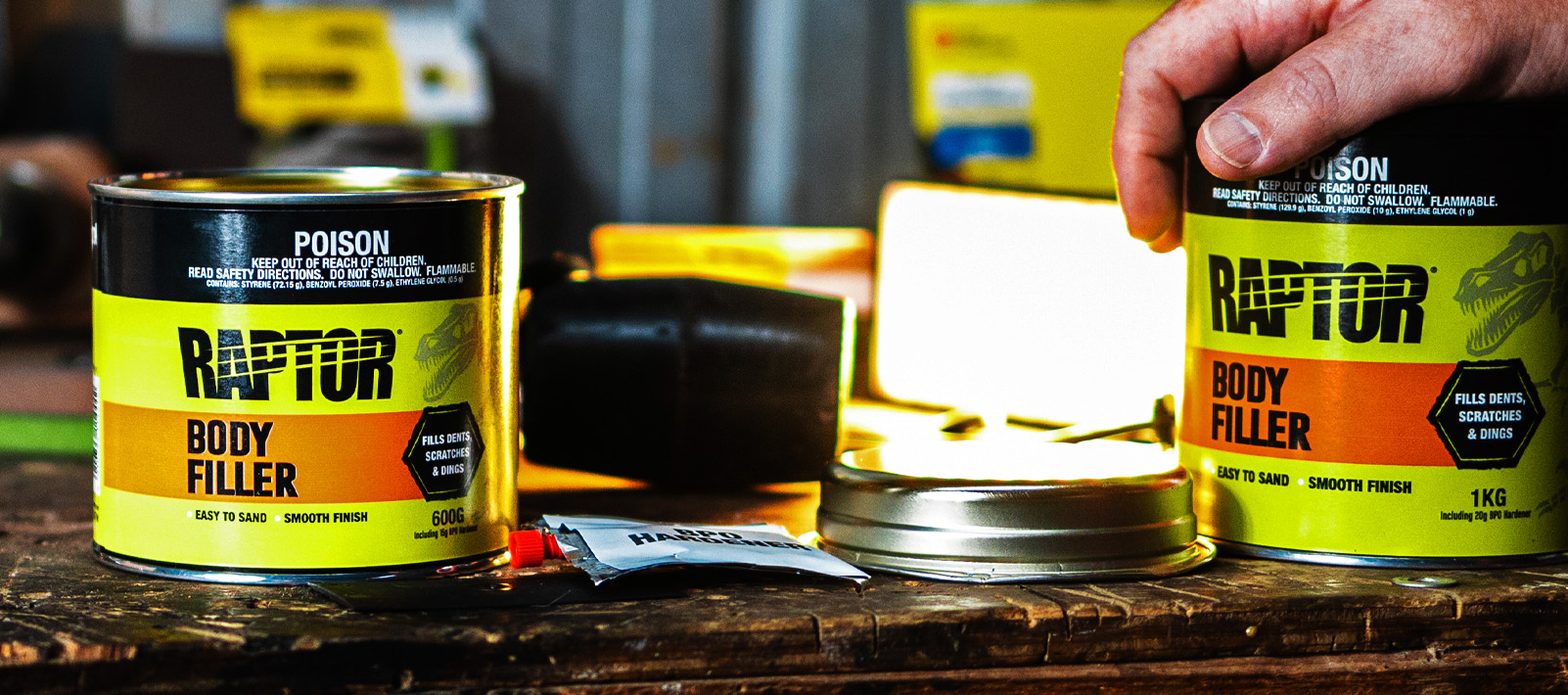
When it comes to mixing in your hardener you want to ensure you have the correct amount for your temperatures and conditions. Too much hardener and your filler will be difficult to work and will start to cure before you can apply it. Too little and you’ll be waiting for it to cure.
The go to rule of thumb for is “a pea to a golf ball”. One pea-sized amount of hardener for every golf-ball-sized portion of filler.
|
10°C |
20°C | 30°C | |
| Hardener Required | 3% | 2% |
1% |
When mixing in your hardener, you want to work it in entirely. Take your applicator and form it into a “C” shape, place it perpendicular to your mixing board and use a figure-eight motion for approximately 30 seconds until colour is uniform. Press out your filler to ensure you cannot see the hardener, if you still see your hardener simply follow the same process and mix the filler again until it is all one, even colour.
Avoid folding your filler over on itself as it can cause air entrapment and pinholes in your final finish.
Step 3 – Applying Your Filler
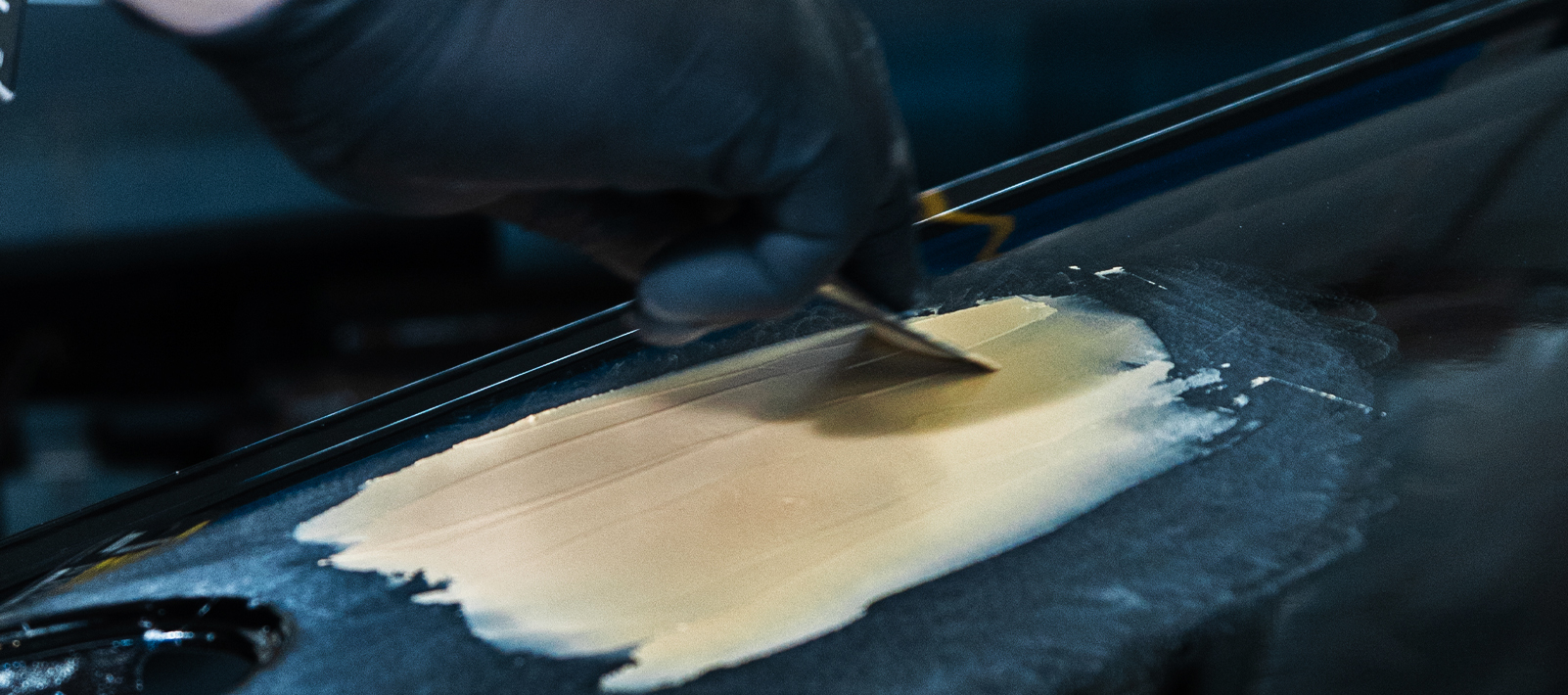
To apply RAPTOR Body Filler, use firm, even pressure, to press the filler into the repair. You want to apply an even, smooth coat, immediately after mixing, aiming for multiple thin coats as opposed to one thick coat. Ensure your repair has been thoroughly filled before attempting to smooth and level the surface.
For deep repairs, build your filler over multiple applications and curing processes. This will reduce entrapped air, sagging and filler not curing properly.
Application tips:
- Apply in thin layers rather than one heavy coat
- Maximum fill depth: 3–5 mm
- Build deeper repairs in multiple applications
- Use steady. even pressure to reduce trapped air
Step 4 – Curing and Sanding
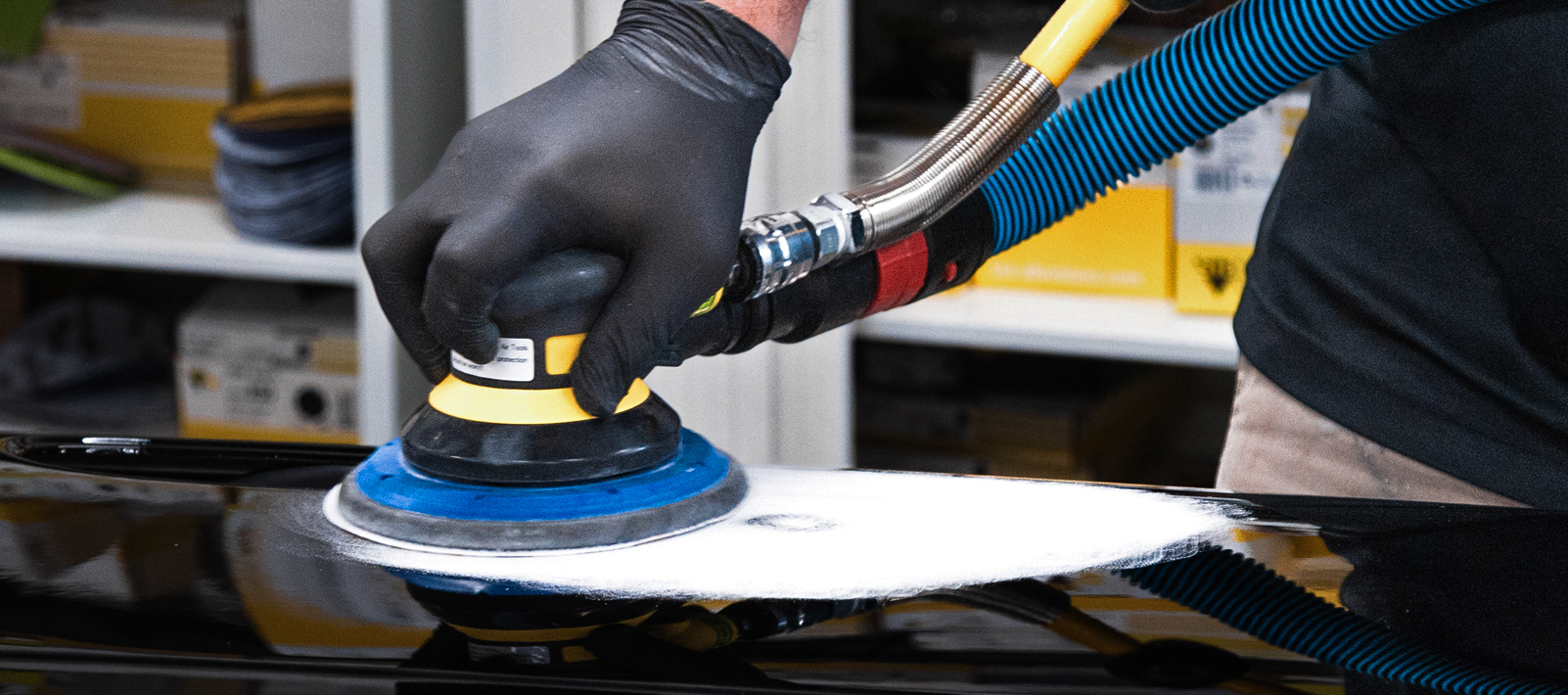
Once cured and your repair is filled, it’s time to sand your filler down and get ready for priming and coating. Sanding can be tackled in two different steps, an initial pass to remove the excess filler and to shape your final finish, then a second pass to ensure your finish is perfect and ready to coat.
Initial sanding: P80–P120 to shape the repair
Final sanding: P180–P240 to finish prior to priming
If your final finish shows signs of pinholes and minor imperfections, you can apply RAPTOR Finishing Glaze to finish the surface, we recommend this for the best results and achieving a professional finish.
Here is a guide on when you can start sanding your RAPTOR Body Filler after application:
|
10°C |
20°C | 30°C | |
| Sandable After | 20 mins | 15-20 mins |
15 mins |
Pro Tips for Professional Results
- Add the correct amount of hardener to avoid bleeding and spot marking
- Always mix thoroughly, ensuring no hardener is visible
- Apply with an even, firm, pressing action to minimise pinholes
- Build deep repairs gradually in layers
- Apply RAPTOR Finishing Glaze for a professional quality finish
Frequently Asked Questions
How much hardener do I need for RAPTOR Body Filler?
The go to rule of thumb for is “a pea to a golf ball”. One pea-sized amount of hardener for every golf-ball-sized portion of filler. Refer to the TDS for exact mixing ratios
How thick can RAPTOR Body Filler be applied?
The maximum fill depth is 3–5 mm per layer. Deeper repairs should be built in stages.
What causes pinholes in filler repairs?
Pinholes are small, trapped air bubbles that appear as holes in your surface after sanding, they are commonly caused by incorrect mixing or not enough pressure during application.
How soon can RAPTOR Body Filler be sanded?
At 20°C RAPTOR Body Filler is typically sandable in 15–20 minutes. This can change depending on temperature and mixing ratios